You went to update your hours, or post a photo, and your business is just gone from Google Maps. No warning, no clear reason. If your Google Business Profile is suspended, every hour it stays down is calls and customers going to your competitors instead.
Take a breath. A suspension feels like a disaster, but most are recoverable, and there is a defined process to get reinstated. This guide walks through exactly why it happened, what to do first, the step-by-step appeal, and how to make sure it never happens again.
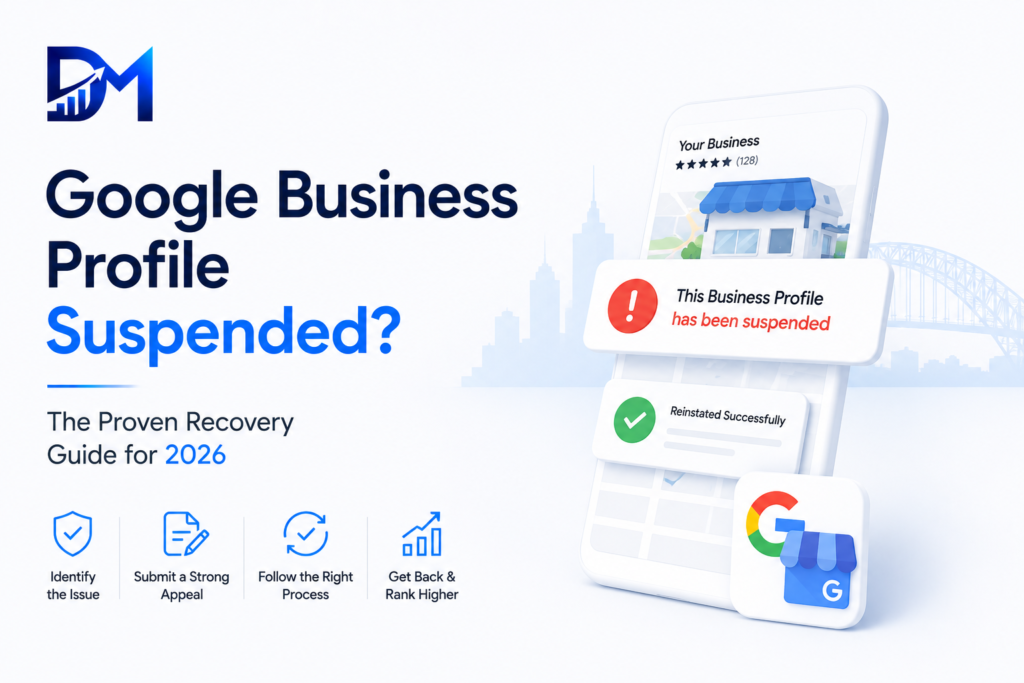
What a suspended Google Business Profile actually means
When your Google Business Profile is suspended, Google has removed your listing from Maps and local search because something tripped its trust or guideline systems. Your profile still exists in your dashboard, but customers can no longer find it.
The hardest part is that Google rarely tells you the specific reason. You get a generic notice, and it is up to you to work out what triggered it. That is frustrating, but it is also why a calm, methodical approach beats panic. The businesses that get reinstated fastest are the ones that identify the likely cause, fix it, and appeal cleanly, rather than firing off angry appeals that get auto-rejected.
The two types of suspension
There are two kinds, and knowing which you have changes your approach.
A soft suspension means your listing is still visible but you have lost the ability to manage it, or some features are disabled. These are usually easier to resolve.
A hard suspension means your listing is removed from Google Maps and search entirely. This is the serious one, and the one most people mean when they say their Google Business Profile is suspended. It needs a formal reinstatement request.
Check which you have by searching your business name on Google Maps. If the listing is gone, it is a hard suspension.
Why was my Google Business Profile suspended?
Google does not publish an exact list, but in practice the same causes come up again and again. Knowing them tells you what to fix before you appeal.
Keyword stuffing in your business name. This is the single most common cause. If your name is set to something like “Joe’s Plumbing | Best Emergency Plumber Sydney 24/7” instead of your real registered name “Joe’s Plumbing,” Google will suspend it. Your name must match your real-world signage and registration.
A sudden major edit. Changing your address, business name, or primary category all at once, especially on an established profile, can trigger a review. Big changes look suspicious to Google’s systems.
Address problems. Using a virtual office, a PO box, a coworking space, or an address that does not match where you actually operate is a frequent trigger. So is running a service-area business but displaying a street address you do not staff.
Category mismatch. Picking a primary category that does not reflect your actual business can flag you.
Duplicate listings. Having more than one profile for the same business at the same address confuses Google and can get one or both suspended.
Prohibited business types or policy issues. Certain business models face stricter scrutiny and suspend more easily.
If you recently did any of these, you have likely found your cause.
What to do first, before you appeal
Do not rush to appeal. A rejected appeal makes the next one harder. Work through this first.
Identify the most likely trigger from the list above, based on what you changed recently. Then fix it inside your dashboard. If your business name was stuffed with keywords, change it back to your exact real name. If your category was wrong, correct it. If you have duplicate listings, that needs careful handling. Gather your proof of legitimacy too: business registration, a utility bill or lease showing your address, signage photos, and anything that proves you are a real business at a real location. You will need these for the appeal.
Only once the underlying issue is fixed should you submit the reinstatement request. Appealing without fixing the cause is the number one reason appeals fail.
The reinstatement process, step by step
Here is the clean path to reinstate your Google Business Profile.
Step one, fix the violation in your dashboard first, as above. Step two, go to the Google Business Profile reinstatement request form and select your suspended profile. Step three, complete the form honestly and concisely. Explain that you are a legitimate business, state that you have corrected any issues, and attach your proof: registration, address evidence, and signage photos. Step four, submit and wait. Do not submit multiple appeals in a row, as that slows everything down. Step five, if you are rejected, you can appeal again, but only after addressing whatever was still wrong. Each appeal should be cleaner than the last.
Throughout, be factual and patient. Google’s reviewers respond to clear evidence of a real business, not to urgency or frustration.
How long does reinstatement take?
Most reinstatement requests are resolved within a few days to two weeks, though complex cases can take longer. A clean appeal with strong proof and the violation already fixed moves fastest. Repeated or sloppy appeals drag it out. There is no way to pay to speed it up, and anyone claiming a guaranteed instant fix is not being honest.
How to make sure it never happens again
Once you are back, protect yourself. Keep your business name exactly as it appears on your real signage, with no added keywords. Make profile changes gradually rather than all at once. Keep your address and category accurate and consistent. Avoid creating duplicate listings. And keep your profile active and complete, since healthy, well-maintained profiles attract far less scrutiny than neglected or manipulated ones.
Frequently asked questions
Can a suspended Google Business Profile be recovered? Usually yes. Most suspensions are reversible through the reinstatement process, provided you fix the underlying cause first.
Why was my Google Business Profile suspended with no reason given? Google rarely states the exact reason. You need to identify the likely trigger yourself, most often a keyword-stuffed business name or an address issue.
How long does a GMB suspension appeal take? Typically a few days to two weeks for a clean appeal with proper evidence.
Will I lose my reviews if I am suspended? Usually your reviews return with the profile once reinstated, since the profile still exists in the background.
Can I just create a new profile instead of appealing? No. Creating a duplicate to dodge a suspension usually makes things worse and can get the new one suspended too. Reinstate the original.
Do I need an agency to get reinstated? Not always, but a specialist who handles reinstatements regularly can improve your odds and speed on tricky cases.
Do not leave your profile down
Every day your Google Business Profile is suspended, a competitor holds the Maps position that should be yours. If you have worked through this and are still stuck, or you want it handled fast and properly, Dignis Media handles suspension recovery for Australian businesses as part of our GMB SEO service. For Google’s official policies, see the Google Business Profile guidelines.
Related reading: Google Maps Optimisation guide · GMB SEO Australia